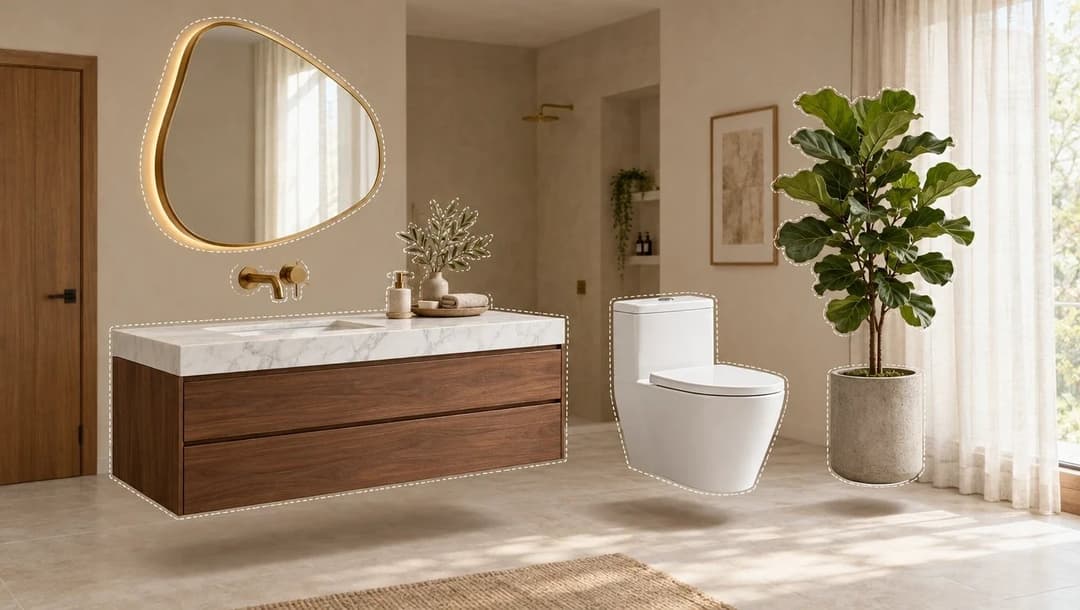
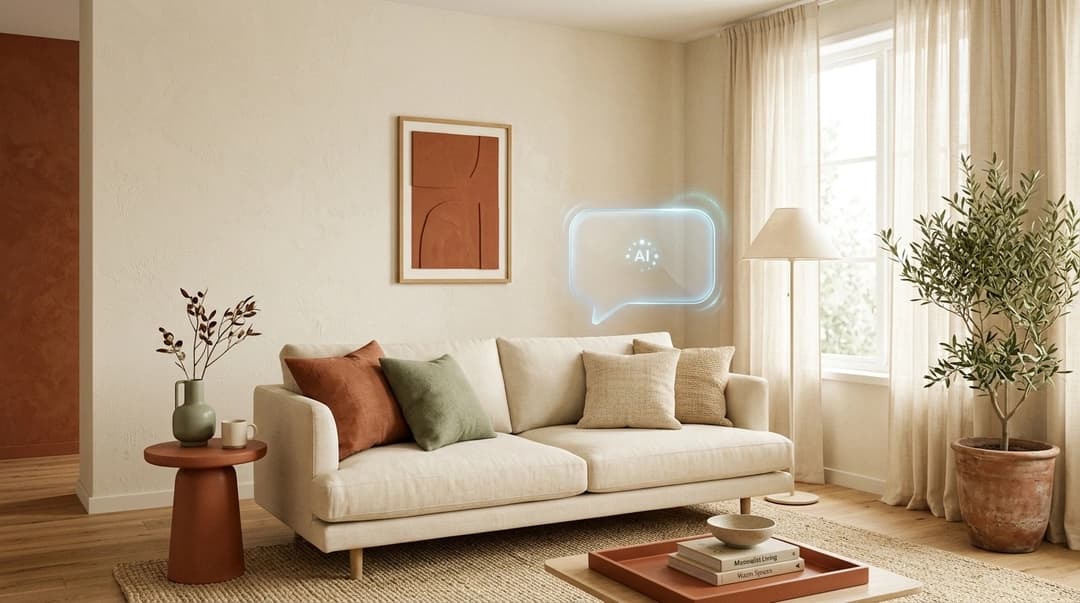
After nine months of development, we're introducing Kou: an AI assistant for interior design that talks with you, searches across roughly 30,000 real products in the Kouzee catalog, helps you generate better images and carries out tasks inside the platform, such as building your project's budget table. If Claude or ChatGPT are general-purpose assistants, Kou is the same idea trained for one job: supporting the creative and commercial process of designers, architects and brands.
In this article we explain what it can do today, how it differs from the image generators you already know, and how to get started.
What is Kou, and why do we call it "the Claude for designers"?

Kou is a conversational agent built into Kouzee. The comparison with Claude, Anthropic's assistant, is an honest analogy: you use it the same way — you write what you need in plain language — but the scope is different. A general assistant knows a little about everything; Kou knows the Kouzee catalog, with prices and stock updated in real time, and it can act on your boards and projects inside the platform.
That difference matters because the bottleneck in AI-assisted design isn't generating ideas, it's turning them into decisions you can act on. We looked at the data in AI for interior design: more than a render: studios save almost twice as much time imagining as they do specifying. Kou goes straight at that second half.
What can Kou do today?
It finds the right product, not something similar
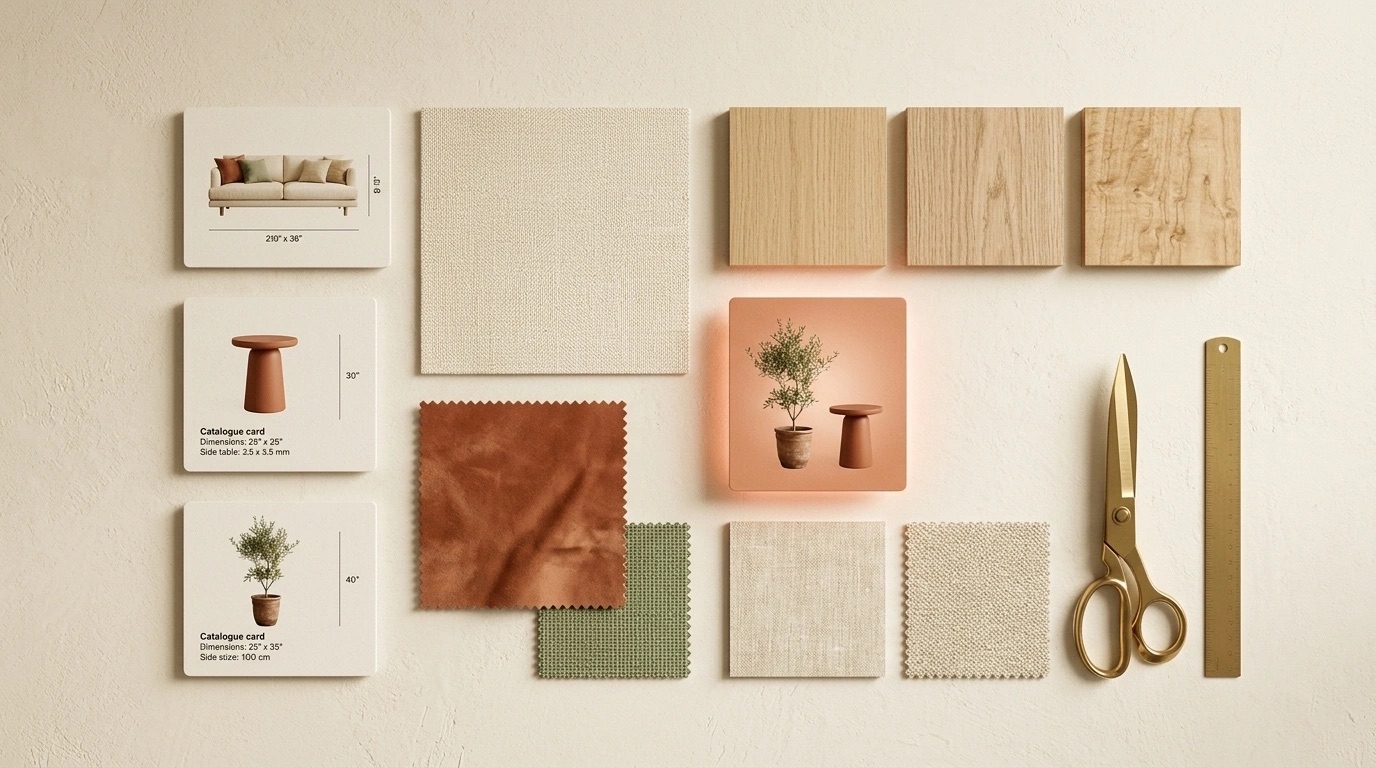
Kou talks with you to understand the project and searches the catalog using concrete filters: category, maximum budget, number of options. You can ask for "a chair like this one but in black", or start from a reference photo — visual search finds products similar to an image, even one from Pinterest. Results arrive as cards with brand, price and real-time stock, organized into groups on your board.

It helps you create better images and videos
A good visual result depends on a good prompt. Kou turns a vague idea into precise instructions for the image models, and you can attach SketchUp screenshots, floor plans or photos of the space to apply materials and textures step by step: try a porcelain tile, change a color, see how a product fits before buying it. From the same board you can swap elements in a generated image — a lamp, a piece of art — to show your client alternatives.

It builds budgets and runs tasks inside the platform
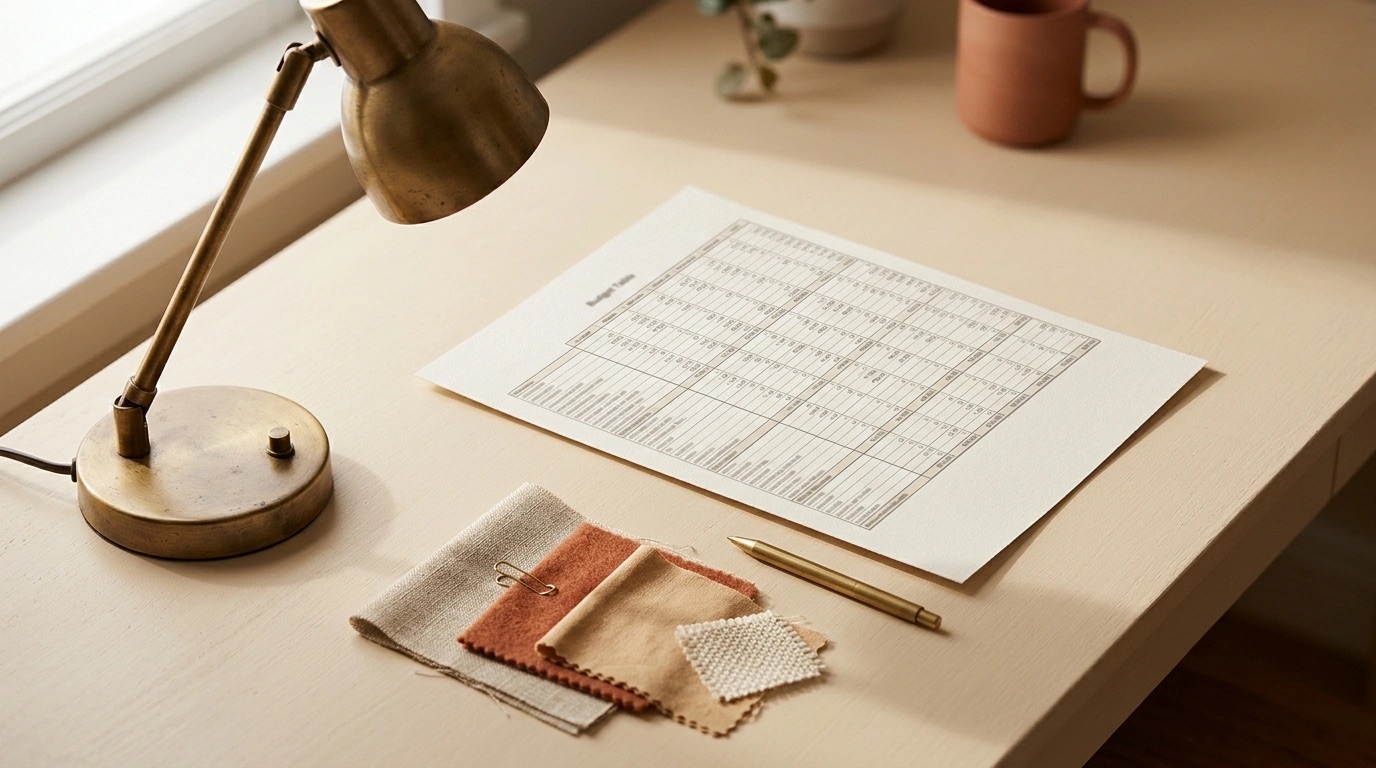
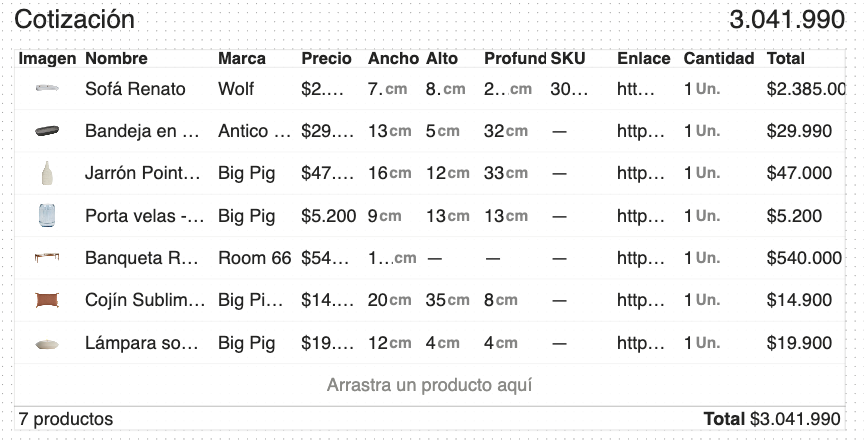
This is the biggest difference from an ordinary chat: Kou creates budgets laid out as tables inside the board, with area calculations and up-to-date prices, editable by hand and exportable to Excel or PowerPoint so they fit the workflow you already have. It also organizes projects, moves items between groups and keeps a history of every action it took, so you always know what it did and why.
It remembers how you work
Kou has short- and long-term memory: you can tell it your preferences — "I like Nordic style", "always show me three alternatives" — and it applies them in later requests. Memories can be personal or shared with your team, and the assistant's tone is configurable with your own instructions.
It sees what you show it
Kou "sees" the context you hand over along with your message. If you select items on the board and then write to it, it understands you're referring to what you have selected. The same goes for attachments: you can upload screenshots with the + button in its panel, or bring images in from your computer — in that case it's best to drag them straight onto the board and select them while holding Shift, or with a selection frame. This matters because the context attached to your message is what Kou sees right away: the more precise the selection, the more precise the answer.
How is it different from an AI image generator?
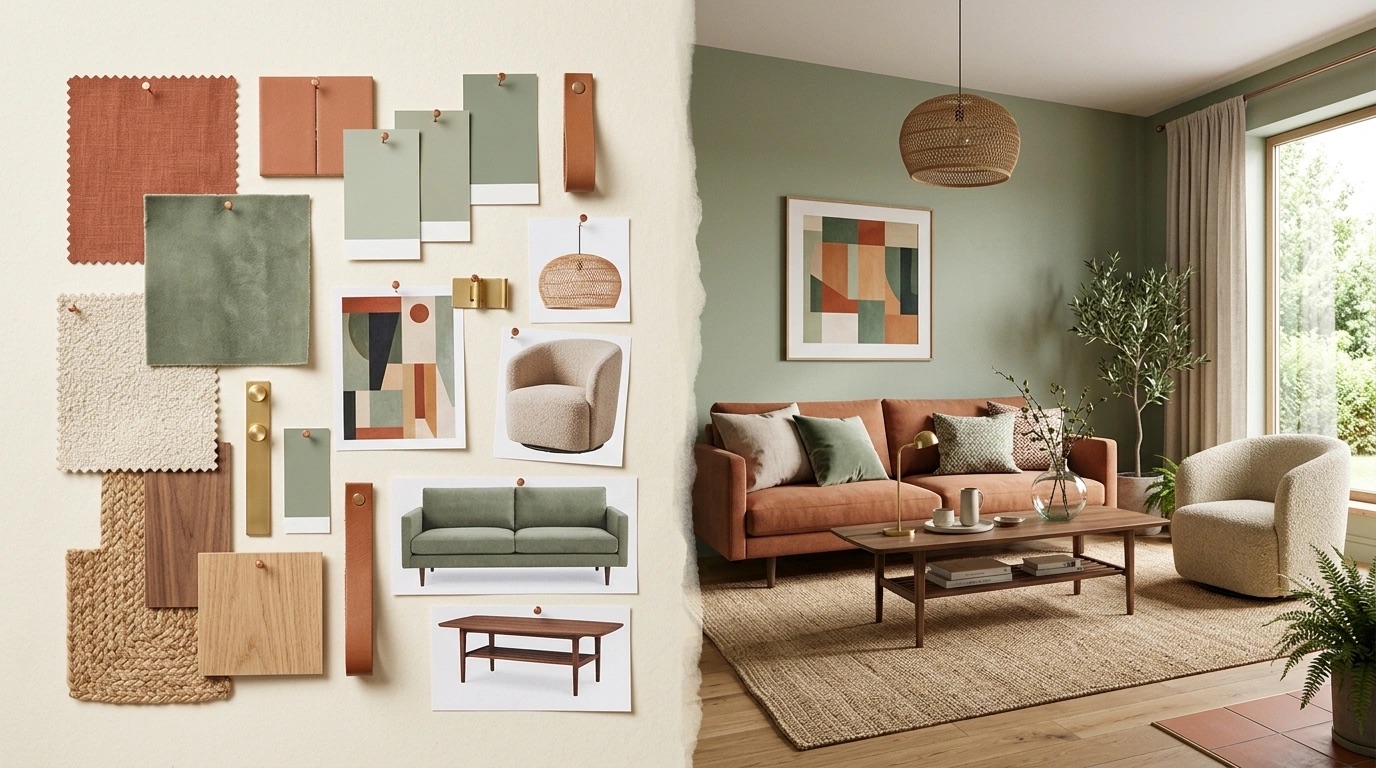
Most of the AI tools for interior design available today — from Planner 5D to render generators — focus on producing images. They're useful for exploring an aesthetic direction, but they stop right where the commercial work begins:
| Dimension | Image generator | Kou |
|---|---|---|
| What it produces | An inspiring image | Conversation, images and actions on your project |
| The products | Objects invented by the model | Real catalog products, with real-time price and stock |
| Budget | Not applicable | Editable tables, exportable to Excel and PowerPoint |
| Context | Starts from scratch with every prompt | Personal and team memory, action history |
| Collaboration | You download the image and send it | Board shared by URL, in real time with the client |
They don't compete: they complement each other. Visual generation is still part of the workflow; Kou connects it to a proposal the client can approve and buy. Our position hasn't changed since day one: AI doesn't replace people's work, it amplifies it. Kouzee is a tool for iterating, thinking and experimenting — the goal is to reach the drawing stage with the client's decisions already approved.
How do you start using Kou?
- Create your Kouzee account. Kou is built into the platform; see what each option includes on the plans page. Credit usage is transparent: Kou asks for confirmation before running any action that has a cost.
- Start with one concrete task. A product search with a maximum budget, or a quote table, is the fastest way to understand how it works.
- Attach context. Reference images, SketchUp screenshots or catalog items improve accuracy a lot. Attachments stay linked to the workspace until you remove them.
- Join a Kouzee Academy workshop. We run free sessions where we share design methods and platform tricks, plus bonus credits so you can keep iterating. Spots are announced on the Kouzee workshop calendar.
Frequently asked questions
Does Kou replace the interior designer?
No, and that's not the goal. Kou automates the operational side — searching, comparing, quoting, organizing — so that design judgment, which is still human, has more time and better material to work with. Every decision stays visible and editable.
Do I need to know how to write prompts to use it?
No. Kou talks in plain language, and one of its jobs is precisely to write good prompts for you. Two tips from people already using it: be literal with your instructions — agents don't read between the lines — and if you're comfortable in English, use it for the most demanding image generations.
What happens if a product changes price or sells out?
The catalog is reviewed constantly and stock is shown in real time on every card. Sold-out products stay visible with their information, so you can plan proposals around pieces that will be back in stock.
How much does it cost?
Kou is part of Kouzee and its availability depends on your plan. Up-to-date information is always at kouzee.com/planes.
What's next
Kou is the most ambitious project we've built since Kouzee started, and this is only the first public version. On the roadmap: automatic quotes with suppliers over email (more than 80% complete), brand manual integration so presentations carry your visual identity, and automatic generation of presentation brochures. If you want to see it working live and take home credits to try it, sign up for free for the next workshop on the Kouzee calendar.